Quotes
Your quote goes out, your client signs, and one button turns it into a job.
You build the quote, your client signs from their phone. Once signed, one button converts it into a job.
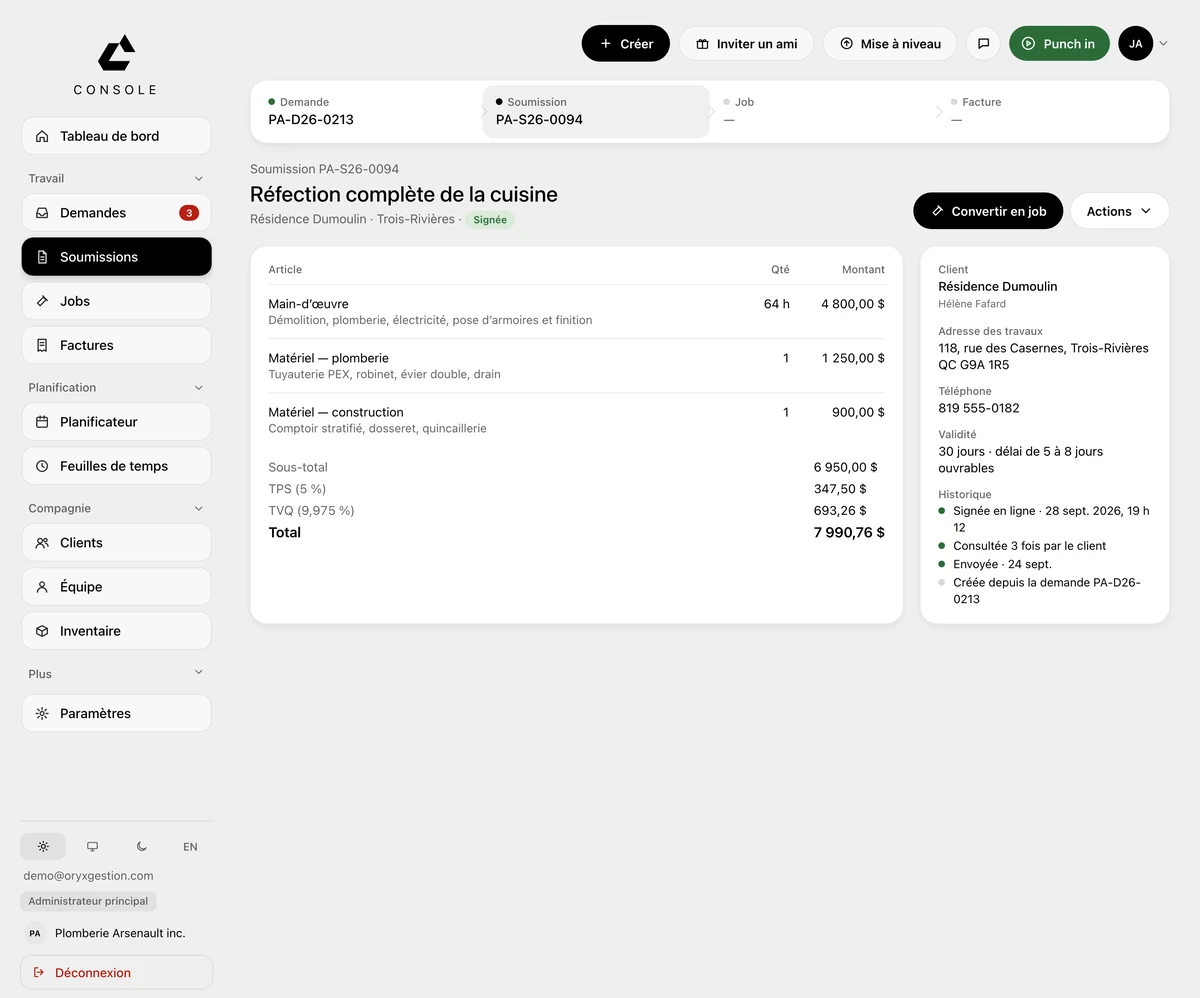
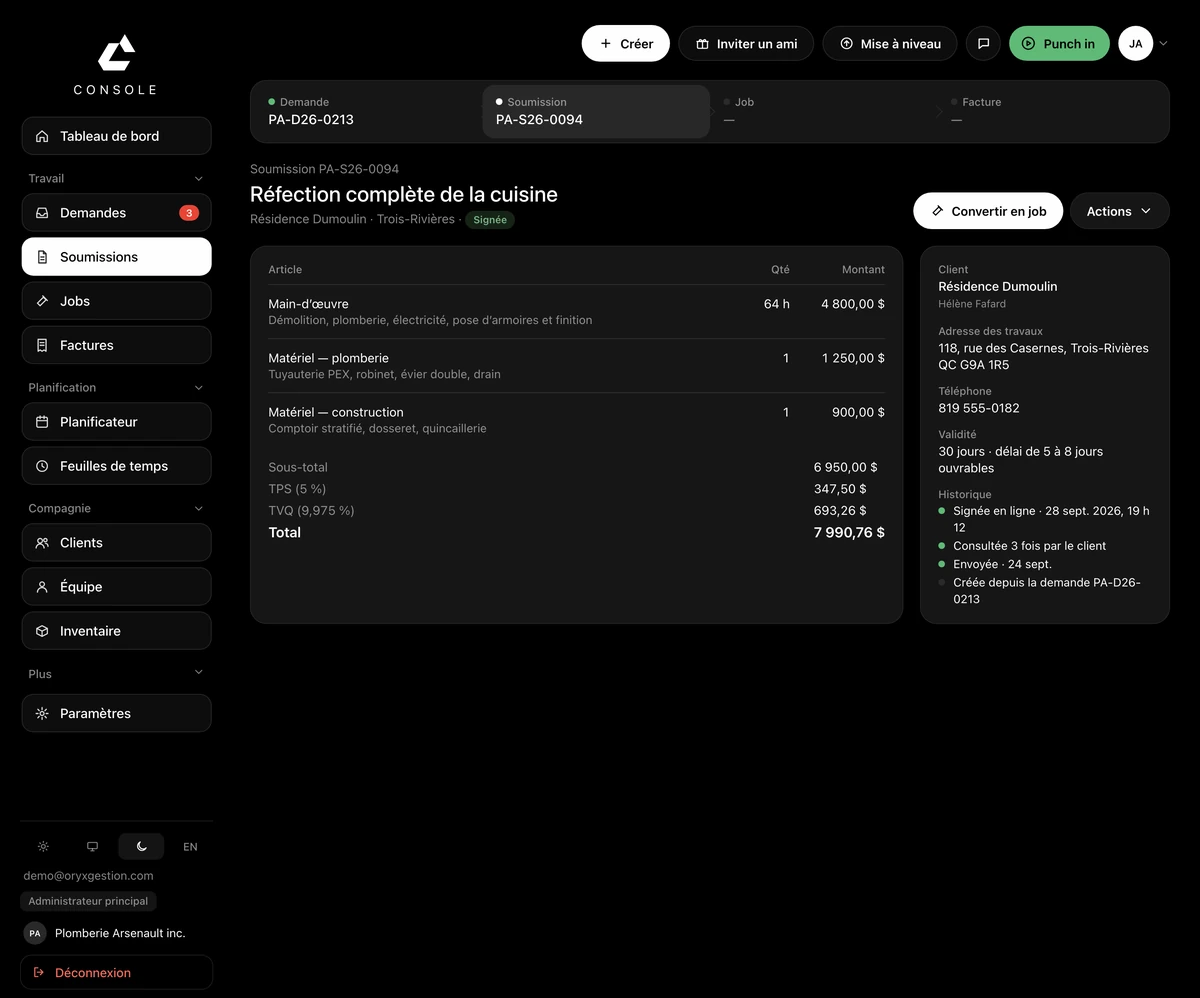
One button, the next one
Draft: send for signature. Signed: convert to job. Everything else sits under Actions.
What carries into the job
The client, the job address, the line items and the amount carry into the job. You click it yourself, and a quote already converted won't convert twice.
GST and QST calculated
The line items, then subtotal, GST at 5%, QST at 9.975% and total. Nothing left for you to work out.
Where it stands
The history keeps the trail: sent, viewed by the client, signed online — with the time of the signature.
Follow-ups go out on their own
A quote that has been sent follows itself up at 2, 7 and 14 days.
Questions we get asked
- How does my client sign?
- They get an email with the amount, taxes in, and a button to view and sign. They sign online, from their phone.
- Can I ask for a deposit before starting?
- Yes. The deposit on signature shows in the email, and the document carries both the deposit and the balance at the end of the work.
- What if the work is too small to open a job?
- You invoice it straight from the quote, through the Actions menu.
Try it for 30 days.
$127 a month for up to 5 employees, in Canadian dollars plus tax. Card required, nothing charged for 30 days, cancel any time.