Scheduling
You see each worker's day, and the jobs still waiting.
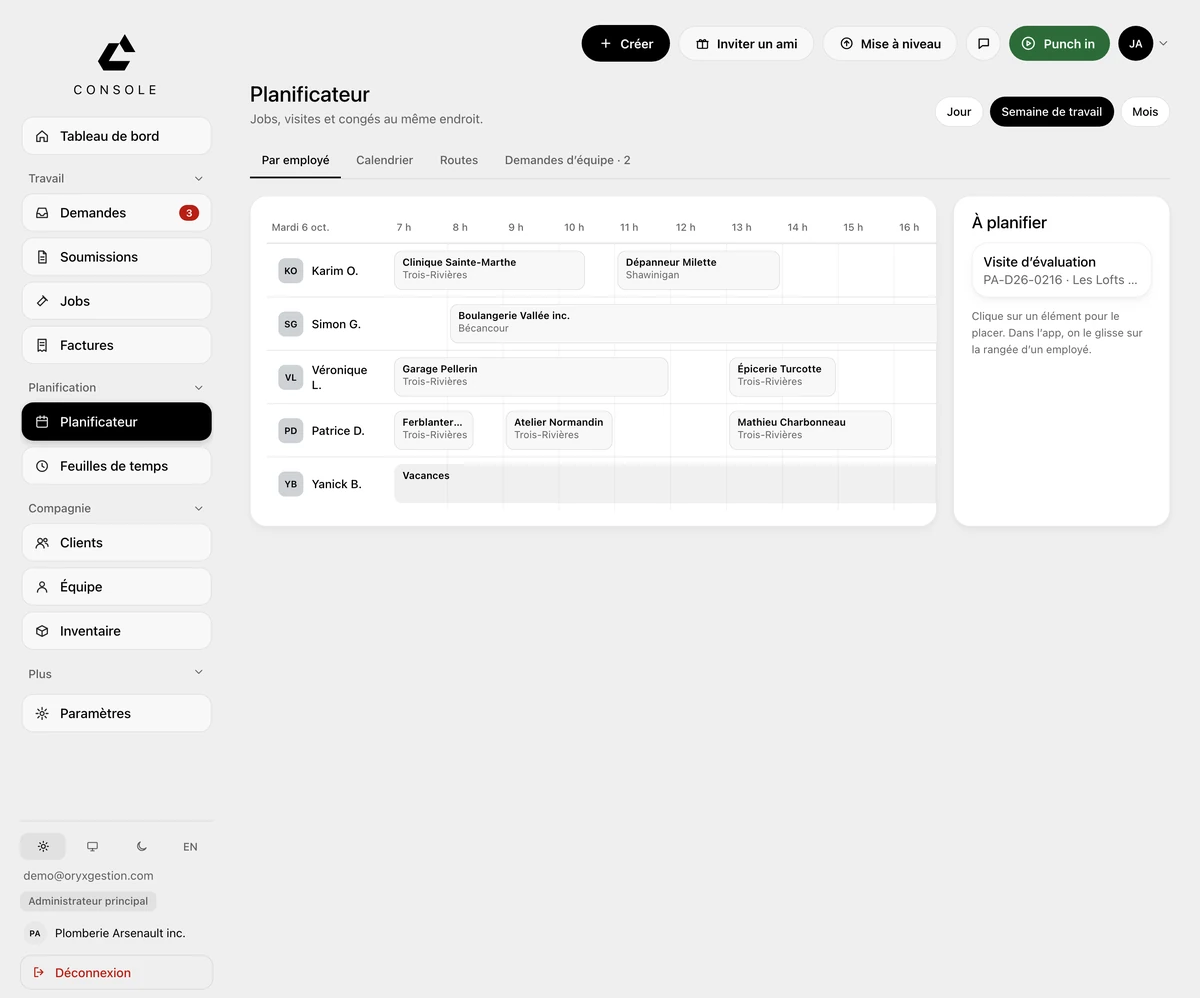
Jobs, visits and time off on one grid. You put a job on someone without leaving the screen.
One row per worker
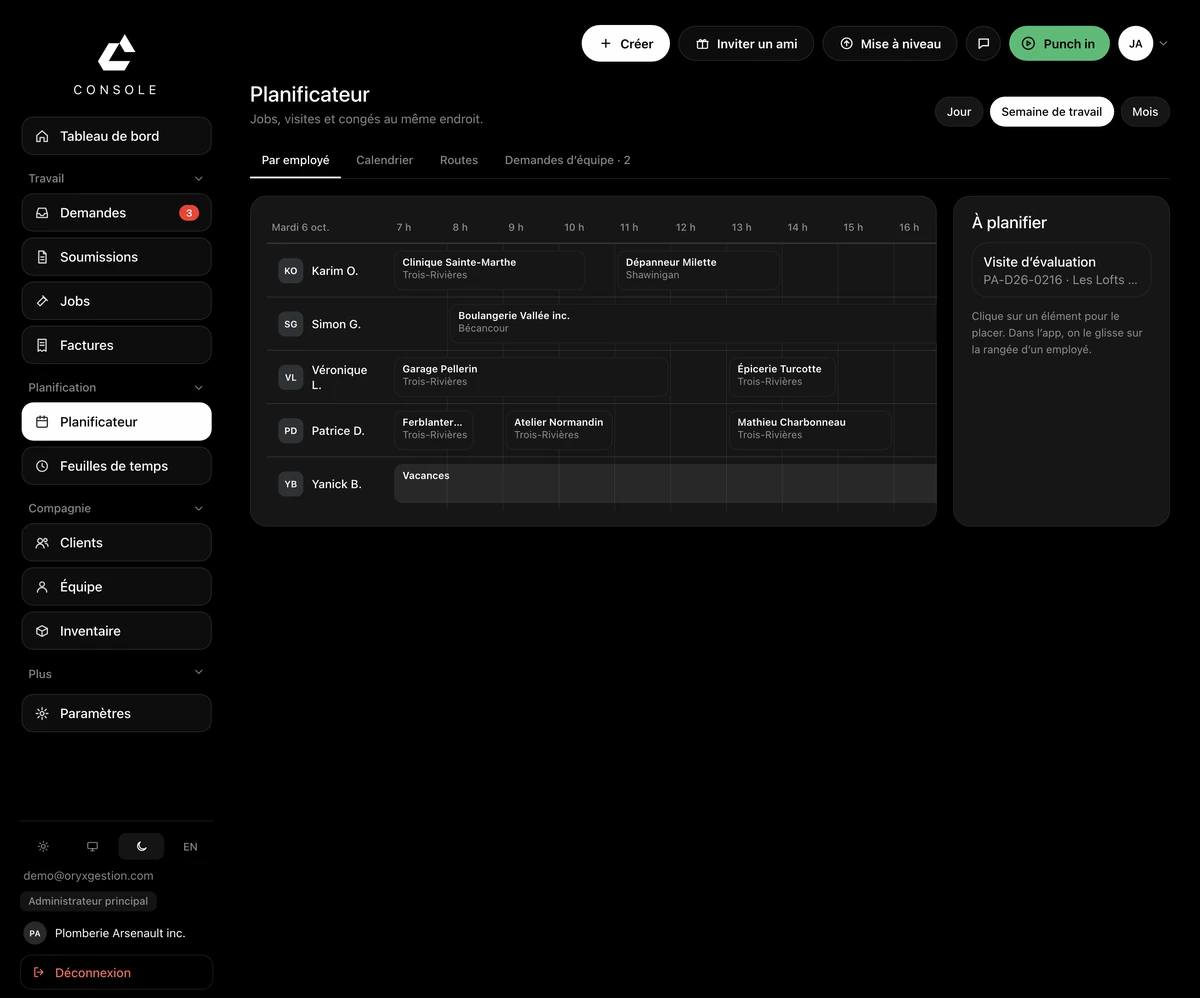
Everyone's day on a single line, hour by hour. A work block carries the client's name and their city.
Time off on the same grid
Time off takes its place on the row, the same as a job. You see who's away before you place.
The to-schedule column
What's left to place waits on the right: a converted job, an estimate visit. You click an item to place it; in the app, you drag it onto a worker's row.
Three screens become one
The calendar, the team's shifts and their time-off and availability requests become tabs of the scheduler. At first, the tabs open the current screens.
Day, work week or month
Three buttons at the top right: day, work week, month.
Questions we get asked
- How does a job get into the scheduler?
- A signed quote converts into a job. The job then waits in the to-schedule column: you click it to place it.
- Can I see who's off before I place a job?
- Yes. Time off sits on the same grid as shifts and visits: a vacation block on the worker's row, over the hours they're away.
- Do I lose my calendar and my team's shifts?
- No. They become tabs of the scheduler, along with the team's requests. At first, the tabs open the current screens.
Try it for 30 days.
$127 a month for up to 5 employees, in Canadian dollars plus tax. Card required, nothing charged for 30 days, cancel any time.