Requests
Web form requests and service calls read in the same place.
A request is what comes in before the quote or the job. You open it, you read it, you create what comes next.
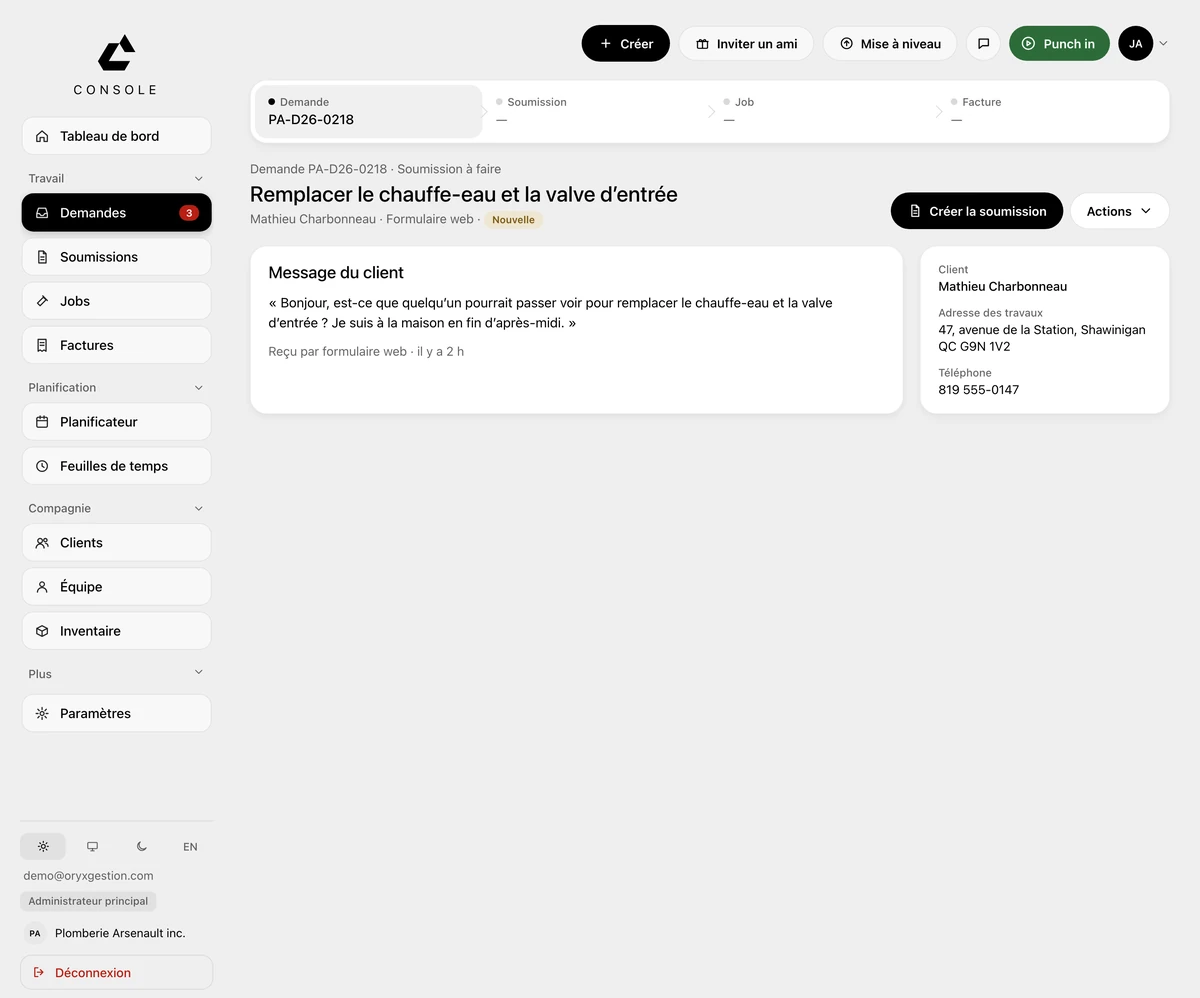
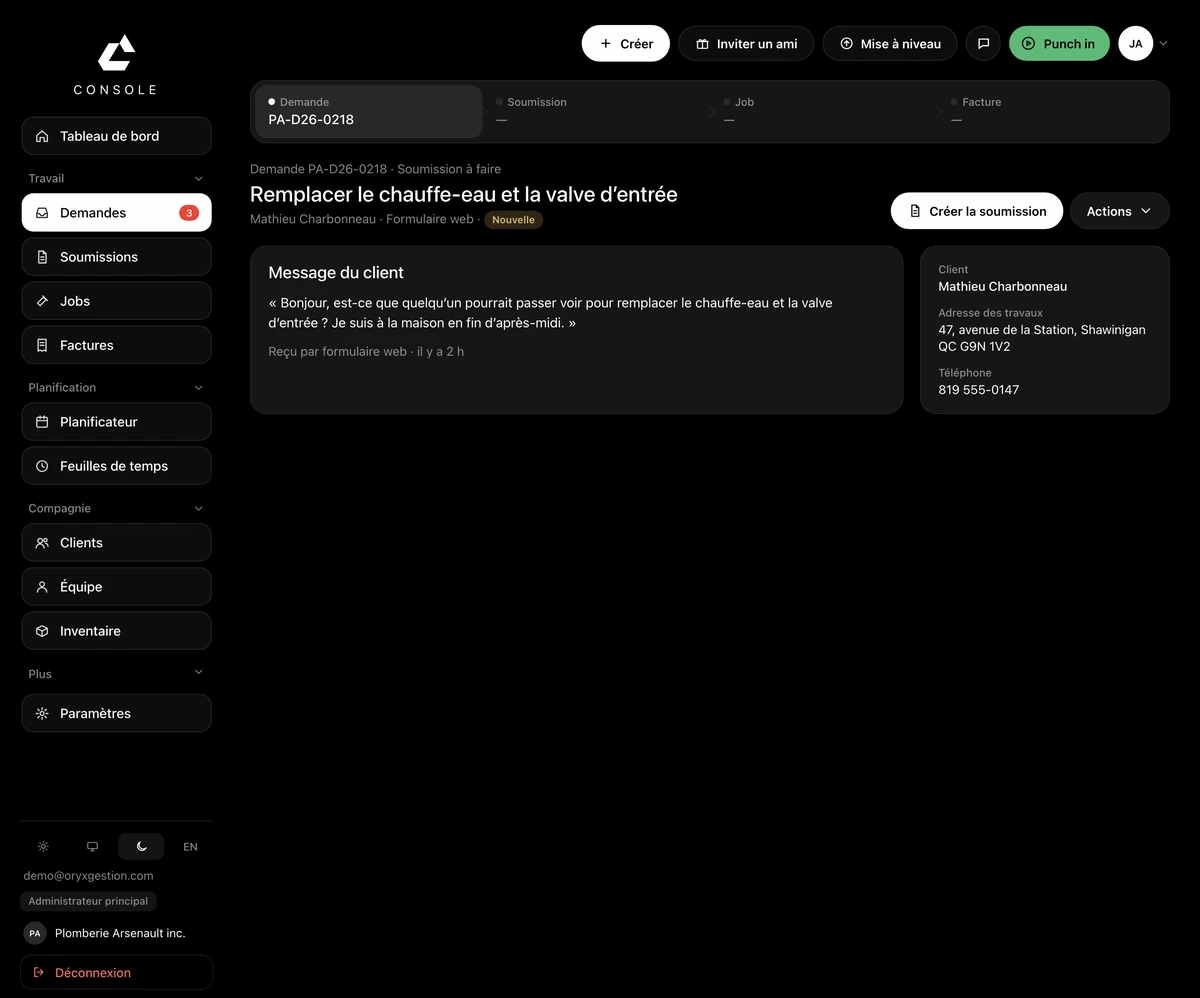
One page
Web form requests and service calls read in the same place. A tag says which one: quote to do, or service call.
Already written by the client
Their message stays on screen in full, with where it came from and how long it has been waiting. Name, phone and job address sit on the right.
One button
On a request to be priced, the main button creates the quote. On a service call, it creates the job. The rest sits under Actions.
The estimate visit
Under Actions, scheduling an estimate visit drops the appointment into the scheduler, attached to the request.
The client gets created on the spot
On a new request, the client field searches your list. If nobody matches, you create them right there, with phone, email and address.
Questions we get asked
- My requests come in by phone. Where do they go?
- You create them yourself, from the Create menu in the header. If the client doesn't exist yet, the field creates them without you leaving the request.
- Do I lose my pipeline board?
- No. The board becomes a view of the Requests page, and your old links keep working.
- Does a service call have to go through a quote?
- No. It becomes a job directly: on a service call, the main button creates the job.
Try it for 30 days.
$127 a month for up to 5 employees, in Canadian dollars plus tax. Card required, nothing charged for 30 days, cancel any time.